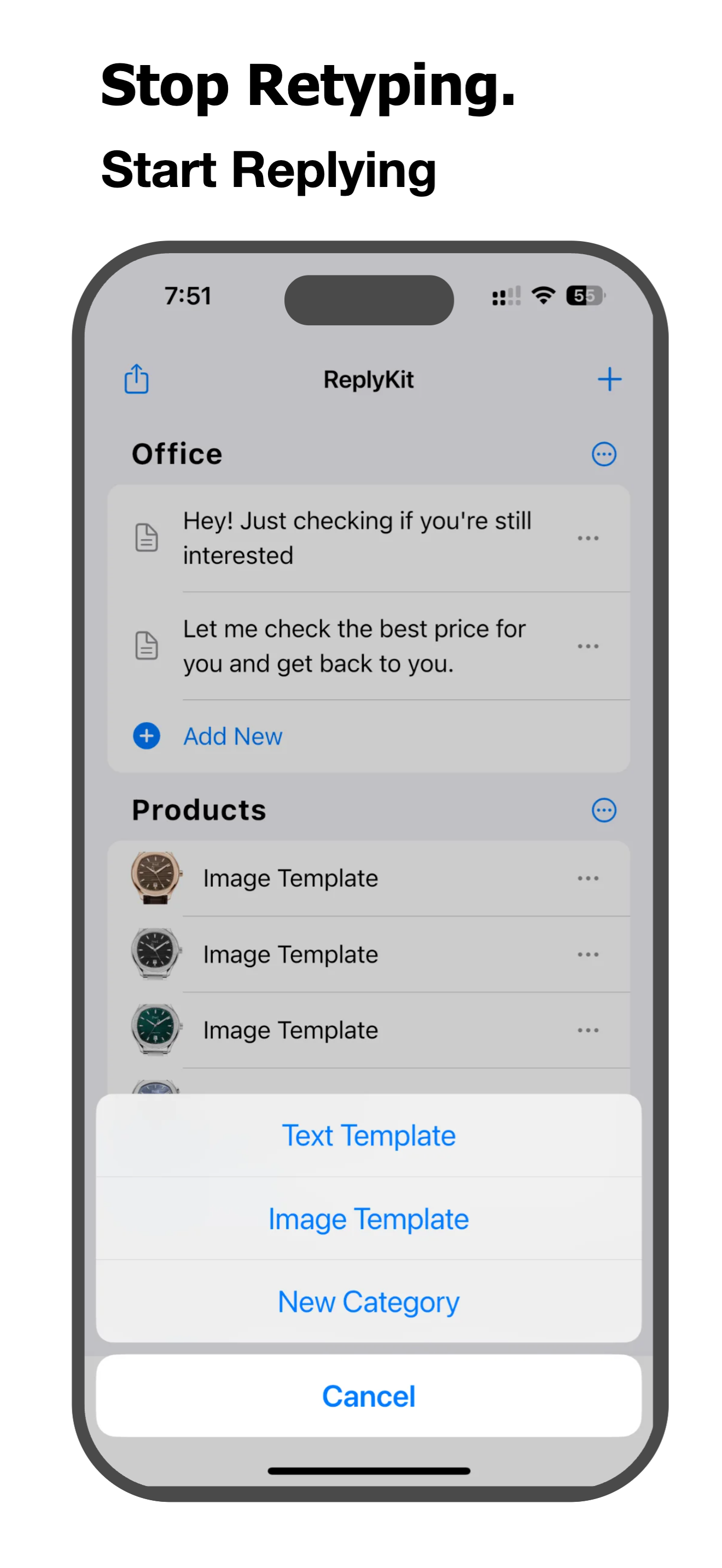
Template Keyboard for iOS & Android

Stop Retyping.
Start Replying.

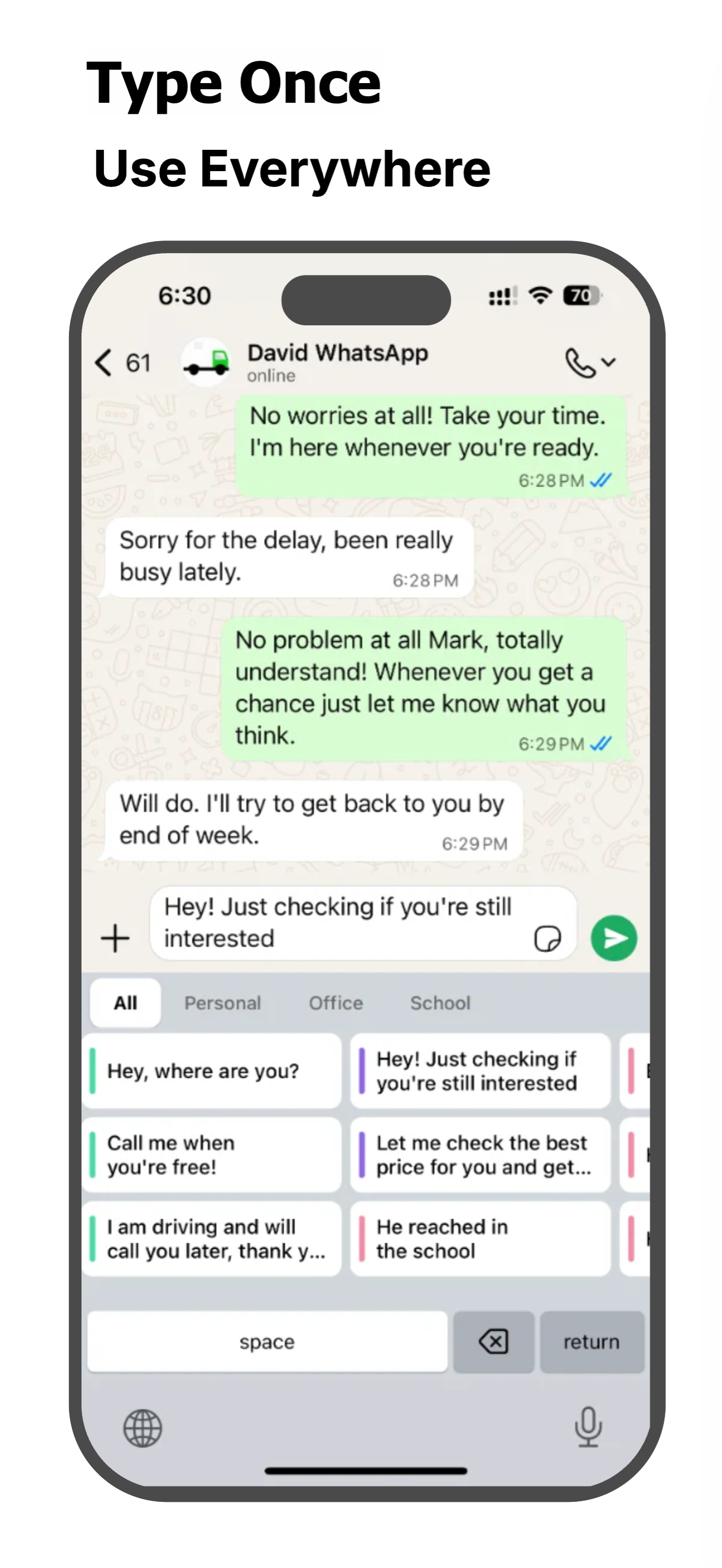
Save your most-used text templates and reply snippets right inside your keyboard. Respond faster, smarter, and with just one tap.

Available in 19 languages

ReplyKit App Icon
Sent!
Template saved
One tap reply
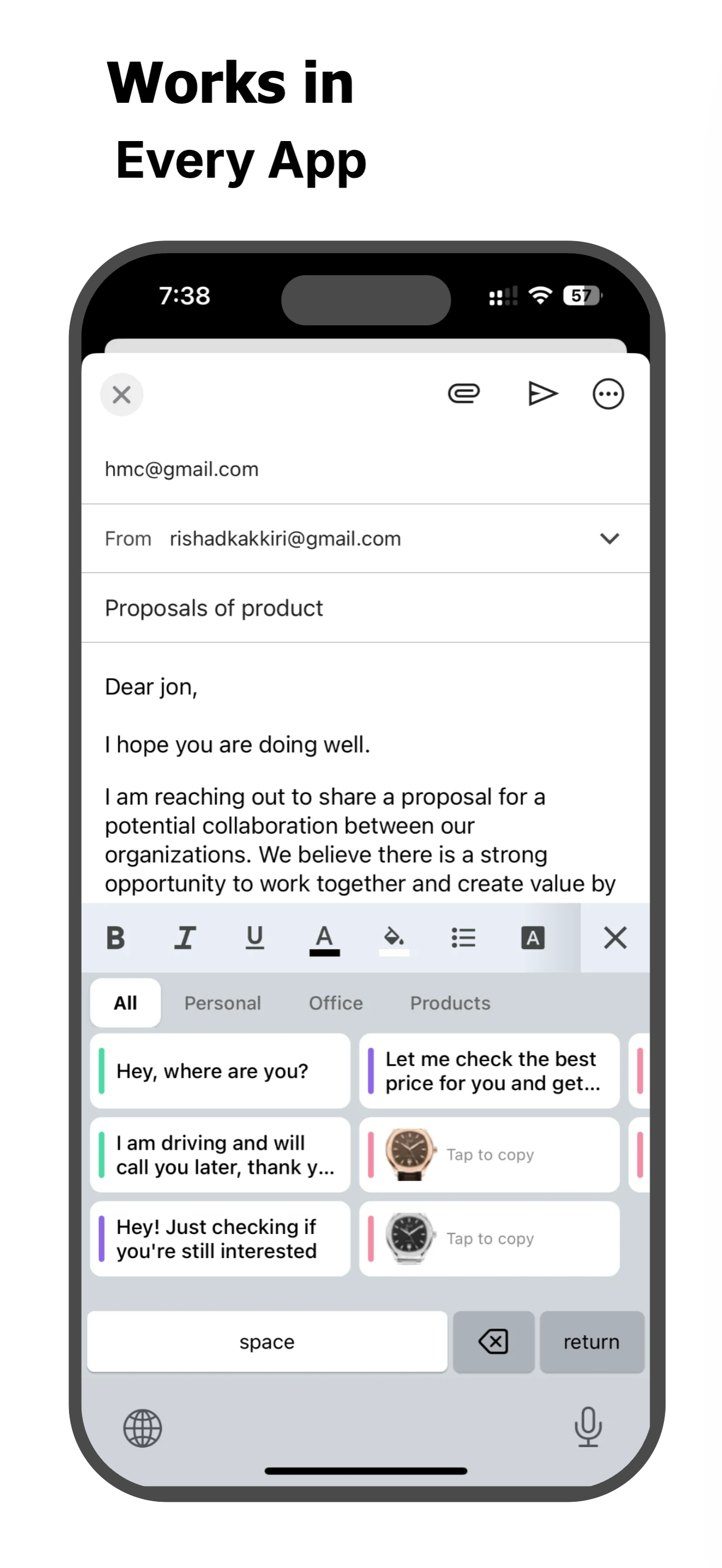
Works with every app

See ReplyKit in Action

Your templates, right inside your keyboard

Why Choose ReplyKit?

Everything you need to type faster and respond smarter

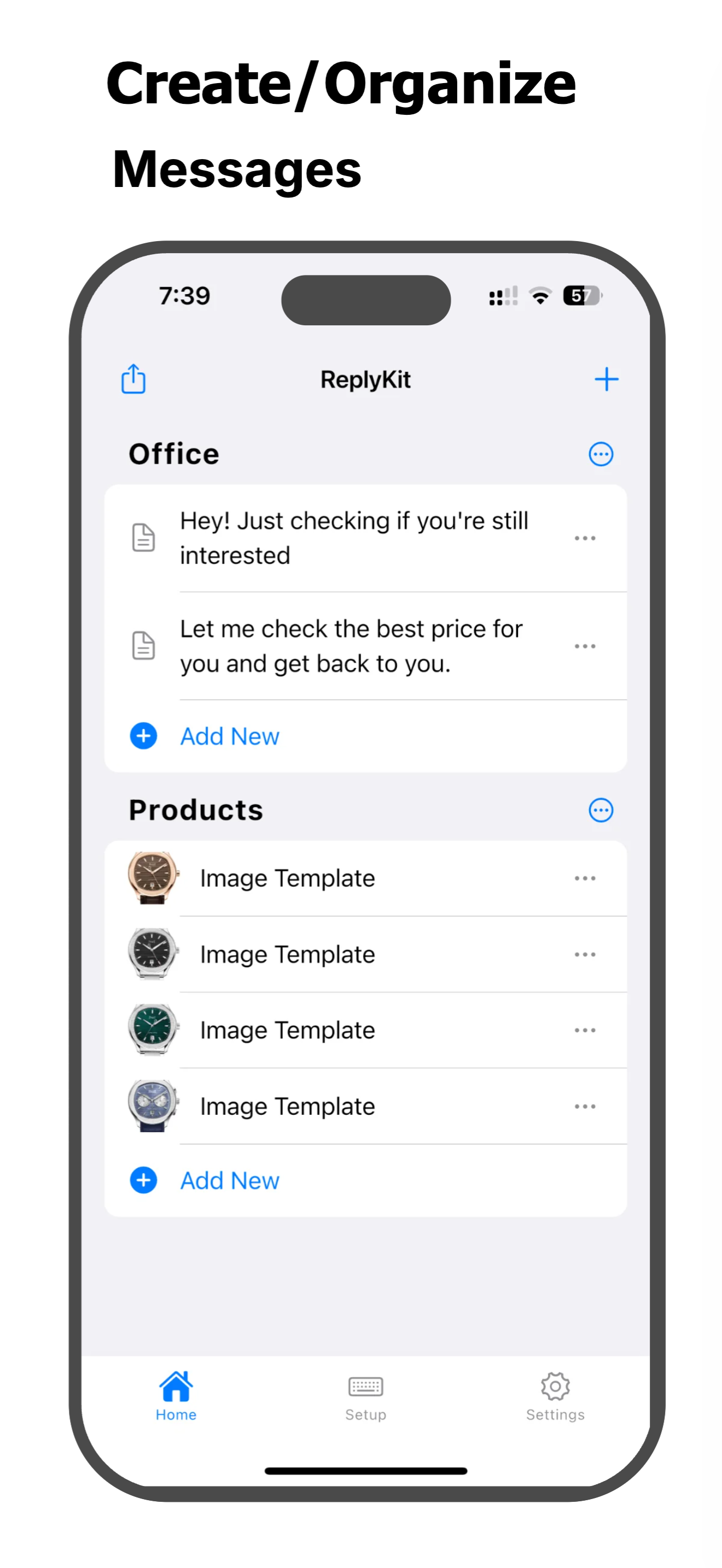
Save Any Text as a Template

Create and store unlimited text templates for any situation. Canned responses, email signatures, quick replies, saved phrases — all organized in one place.

Reply in One Tap

Access your saved snippets directly from your keyboard in any app. WhatsApp, Gmail, Messages, Instagram, Slack — ReplyKit works everywhere you type.

Custom Keyboard Built for Speed

A powerful custom keyboard extension for iPhone and iPad. Switch to it instantly while typing and paste any saved template in seconds.

Organize Your Way

Group text templates into categories. Keep work replies separate from personal messages. Find the right template instantly — no scrolling, no searching.

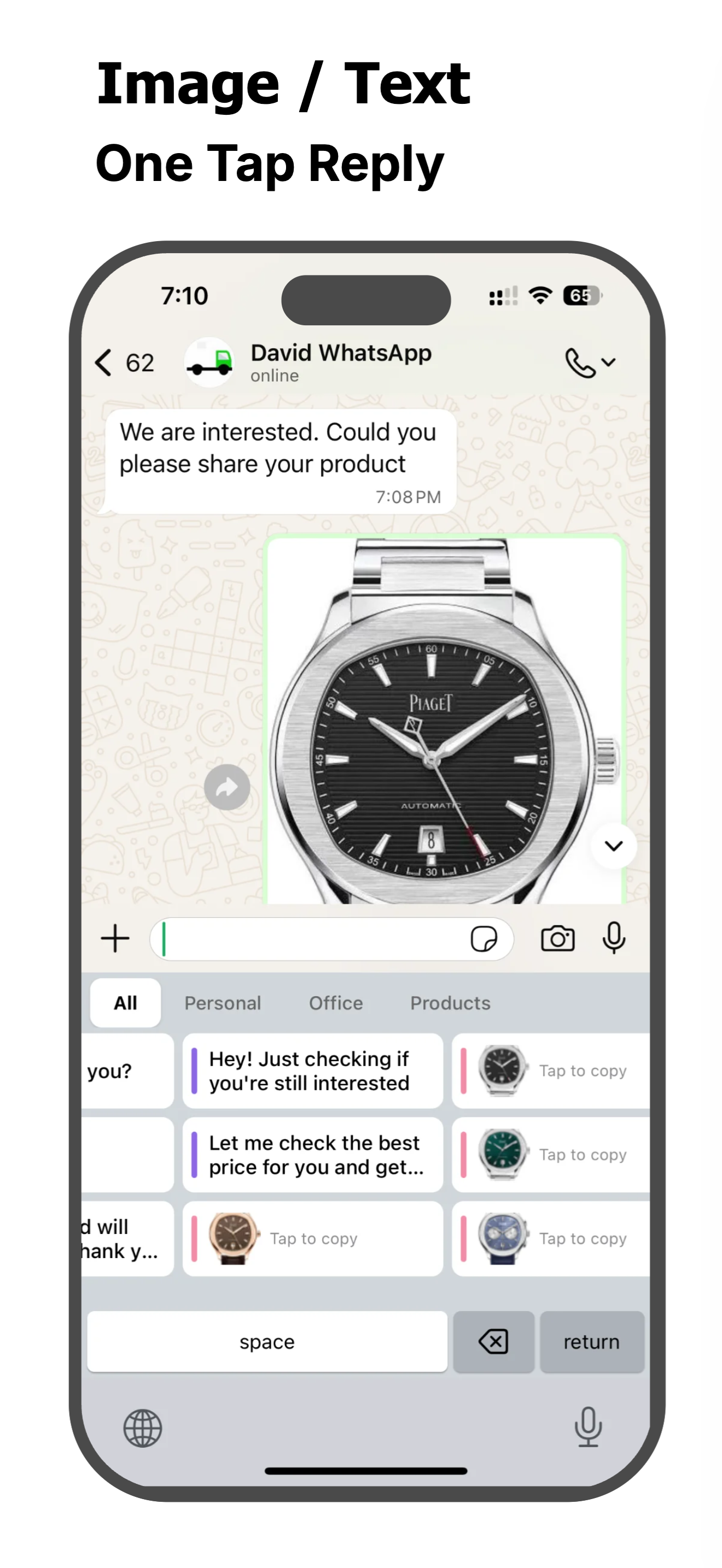
Image Templates Too

Save logos, product photos, QR codes, or any image you send often. Paste image replies in one tap without opening your gallery.

Private & Secure

Your data stays on your device. ReplyKit is built with privacy first — your templates and snippets are never uploaded or shared.

How It Works

Get started in three simple steps

1

Save Your Templates

Create text snippets, email templates, canned responses, or image templates inside the ReplyKit app.

2

Switch to ReplyKit Keyboard

While typing in any app, switch to the ReplyKit keyboard with one tap.

3

Tap & Send

Browse your organized templates, tap the one you need, and it's instantly pasted. Done!

Who Is ReplyKit For?

Anyone who types the same thing every day

Customer Support Teams

Save canned responses and reply to tickets in seconds.

Sales & Marketing

Reuse proven email templates and follow-up messages.

Freelancers & Remote Workers

Save time on repetitive emails and client replies.

Social Media Managers

Store reply snippets for comments and messages.

Available in 19 Languages

Use ReplyKit in your preferred language

English Spanish French German Italian Portuguese (Brazilian) Arabic Japanese Chinese (Simplified) Hindi Urdu Turkish Russian Ukrainian Polish Vietnamese Thai Indonesian Filipino

Key Features

  • Unlimited text templates & reply snippets
  • Custom keyboard extension for instant access
  • One-tap paste in any app
  • Organize templates into categories
  • Save image templates & image replies
  • Save email signatures & canned responses
  • Works with all messaging & email apps
  • Auto text expansion for faster typing
  • Clean, simple, easy-to-use interface
  • Private & secure — data stays on device

Ready to Type Smarter?

Download ReplyKit today and turn your most-used messages into one-tap keyboard shortcuts.